One Truck or a Hundred: Put Every Truck to Work
Register your trucks, add your documents and start quoting on loads. The same tools work for an owner-driver and for a fleet with drivers, office staff and an accounts team.
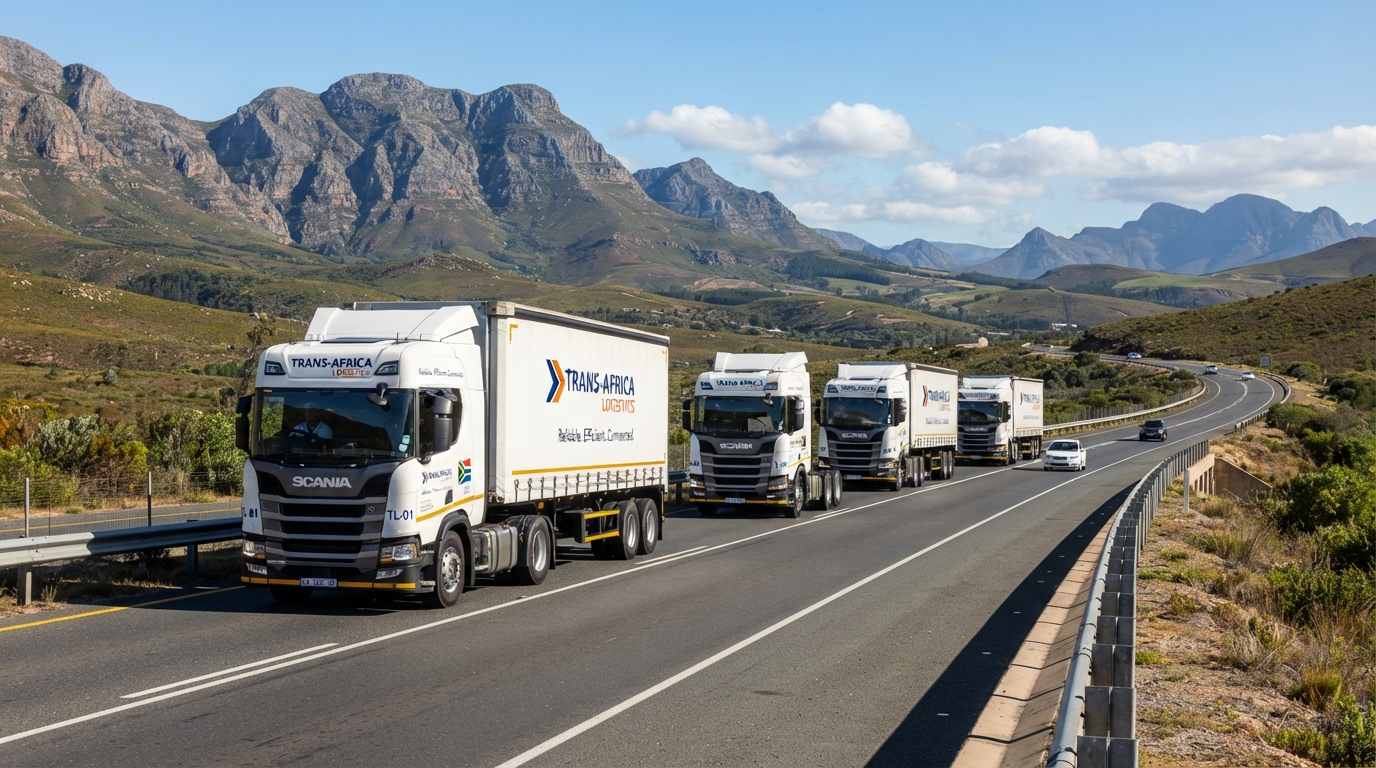
Start small, grow without changing system
Owner-driver
One truck, one login
- Register, add your truck and upload its licence disk.
- Use "Matches my fleet" and email alerts so suitable loads find you.
- Quote and follow every bid on the Bid Board.
Growing fleet
A few trucks and an office
- Add each truck with its type, licence number and payload.
- Invite a colleague to quote and manage trucks, and a bookkeeper for company details, insurance and financials.
- Assign a driver to every job you win.
Fleet operator
Many trucks, drivers and staff
- Give each driver a login that shows only their own jobs, with addresses, contacts and a map link.
- Record several insurance policies by cover type and country.
- Expired road worthy disks pause a truck automatically, so it is never quoted by mistake.
Six steps from sign-up to your first quote
-
Create your account
Choose Haulier when you register, then confirm your email address.
-
Complete your company profile
Add your company name and physical address. Your CIPC registration number and VAT status can be added too.
-
Add your trucks
Pick the truck or trailer type from the list, enter the licence number and payload, and upload the licence disk with its road worthy date.
-
Add your insurance and documents
Record your Goods-in-Transit policy with its schedule and upload your company registration document. Our team reviews each one.
-
Invite your team and drivers
The owner invites office staff, an accounts person and drivers by email, each with the access their job needs.
-
Start quoting
Browse the Load Board, send quotes and follow them on the Bid Board.
assets/images/pages/carriers-driver-phone.jpg · 1000×1250From load to payout
Find loads
Search the Load Board by city, filter to loads that match your fleet, star the ones you like, and get email alerts for new matches.
Send a quote
Give your price, choose a usable truck and add a short message. Each company can quote once per load.
Track it
The Bid Board lists won jobs, pending quotes and history. Revise or withdraw a quote while it is pending.
Run the job
Assign a driver to a won job. After the shipper accepts delivery, the full agreed price is released to you from escrow (Coming soon). Our platform fee is paid by the shipper, not deducted from your price.
The right access for every person
The owner decides who can do what. Access is enforced by the system, not just hidden from view.
| What they can do | Owner | Accounts | User | Driver |
|---|---|---|---|---|
| View the Load Board and Bid Board | check_circle | check_circle | check_circle | remove |
| Send, revise and withdraw quotes | check_circle | View only | check_circle | remove |
| Add and edit trucks | check_circle | View only | check_circle | remove |
| Assign drivers to won jobs | check_circle | remove | check_circle | remove |
| Company details and documents | check_circle | check_circle | remove | remove |
| Insurance and financials | check_circle | check_circle | remove | remove |
| Invite and manage the team | check_circle | remove | remove | remove |
| See their own assigned jobs | remove | remove | remove | check_circle |
Your paperwork, checked once and kept in order
Shippers choose hauliers they can trust. A complete, reviewed profile helps your quotes stand out.
- Company registration document held on your profile.
- Licence disk and road worthy date for every truck.
- Goods-in-Transit insurance recorded as a policy with its schedule.
- Reminders on your dashboard when a document is rejected, expired or about to expire.
- Private storage in South Africa for every file, including driver documents.
Have a question?
Read the answers to our most asked carriers & fleets questions.
Get your trucks earning
Register your fleet in a few minutes and start quoting on loads that match your trucks.